Simple Ways to Protect Your Blog from Data Leaks
You don’t need an IT team to keep a blog safe. Most leaks come from everyday mistakes—weak passwords, oversharing access, sloppy file sharing—not from Hollywood-style hacks. This guide explains, in plain English, how beginner bloggers can lower the risk of exposing private data or passwords without touching command lines or complex tools.
What “data” are we actually protecting?
For a typical blog, “sensitive” often includes:
- Login credentials: your blog admin, email, hosting, domain registrar, payment accounts.
- Reader data: newsletter lists, comments with emails, contact form submissions, DMs.
- Monetization info: affiliate dashboards, ad accounts, sponsorship contracts.
- Private drafts & assets: unpublished posts, photos with location metadata, invoices.
- API keys & tokens: used by themes, analytics, or social scheduling tools.
Leak any of the above and you risk account takeovers, spam to your readers, lost income, or reputational damage.
The 80/20 of blog security
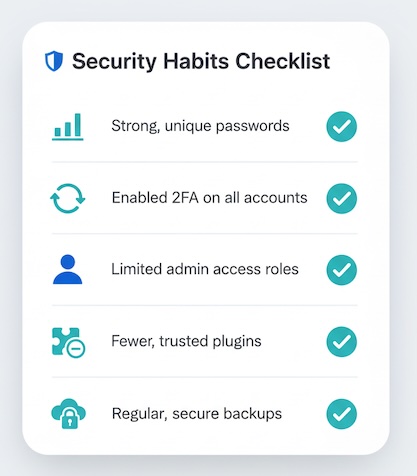
- Strong, unique passwords—everywhere. If one site is breached, reused passwords let attackers “try the same key in new doors.”
- Turn on two-factor authentication (2FA). Especially for email, blog admin, hosting, and ad/affiliate accounts.
- Limit who has access. Share the least you must, for the shortest time. Remove old collaborators.
- Be picky with plugins and apps. Fewer is safer. If you no longer use it, remove it rather than leaving it dormant.
- Treat email as the master key. Anyone who controls your inbox can reset everything. Protect it first.
- Back up—and store backups safely. Backups are great until they leak. Keep them in a private place, not public folders.
- Think twice before collecting data. If you don’t collect it, you can’t leak it.
Quick reference: common risks and easy preventions
| Risk (plain language) | How it shows up | Simple prevention (no deep tech) | What risk you reduce |
|---|---|---|---|
| Reused or weak passwords | One breach unlocks many accounts | Use strong, unique passwords; enable 2FA on critical accounts | Account takeover, spam, lockouts |
| Overshared admin access | A freelancer still has “Admin” months later | Give the lowest role needed; set calendar reminders to remove access after projects | Unauthorized changes, data grabs |
| “Zombie” plugins & apps | Old plugin with known flaws sits active | Keep only essentials; remove anything unused | Exploits through abandoned code |
| Phishing emails | “Verify your account” or fake invoices | Verify from the account dashboard, not email links | Credential theft |
| Public file links | Backups or CSVs shared “Anyone with link can view” | Use private, permissioned folders; remove old shares | Reader data exposure, API leaks |
| Screenshots/API keys in docs | Keys pasted in Notion/Docs or screenshots | Mask keys before sharing; keep secrets in a private note | Unauthorized API use |
| Metadata in images | Photos leak GPS or filenames (e.g., “invoice_Jan.pdf”) | Remove location data from images; rename sensitive files before sharing | Location exposure, client privacy |
| Weak device hygiene | Unlocked laptop/phone at café | Use screen lock, auto-lock, and updates; avoid public USB charging | Stolen session tokens, account access |
| Leaky contact forms | Forms collect more than needed | Ask only what you need; auto-delete submissions after a set period | Unnecessary personal data exposure |
| Shared passwords | One login emailed to assistants | Use individual accounts or shared vaults; never email passwords | No traceability, easy leaks |
Access: fewer keys, fewer problems
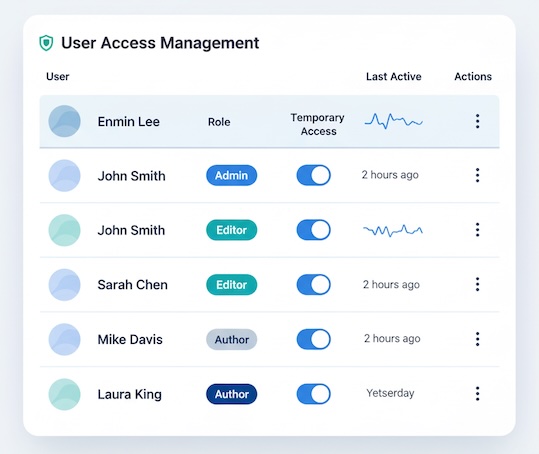
- Role, not rank. Give editors “Editor,” not “Admin,” unless they truly need full control.
- Temporary access. Set a reminder when you add a guest author or contractor; remove access when the task ends.
- One person, one account. Shared logins make it impossible to know who changed what—and easy for credentials to spread.
Plugins, themes, and third-party services
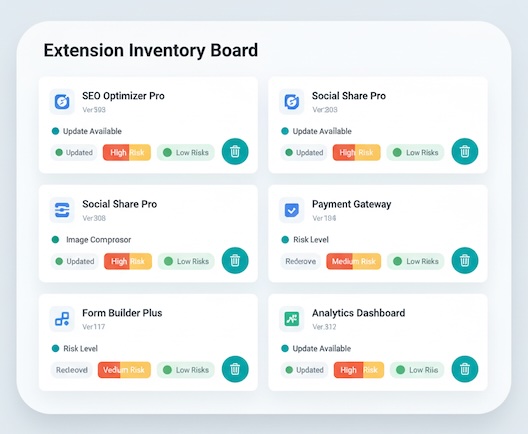
- Adopt a “less is more” mindset. Each extra addon is a new door into your site. Keep only what you use.
- Prefer vendors with a track record. Look for recent updates and active support pages.
- Disconnect what you don’t need. Social, analytics, scheduling tools—if they’re idle, disconnect rather than leaving them attached to your accounts.
Backups and exports without the “oops”
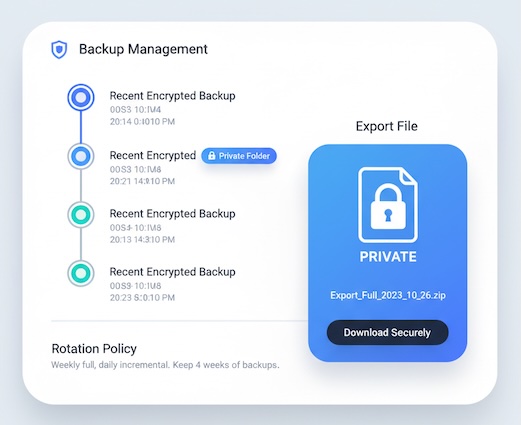
- Backups are sensitive. They often include everything: user emails, drafts, settings. Store them in private, labeled folders.
- Rotate and retire. Keep a few recent backups; remove very old ones to reduce exposure.
- Export carefully. If you export a subscriber list to analyze, delete the file when done. Don’t park it on a shared desktop folder.
Email & inbox hygiene (your single point of failure)
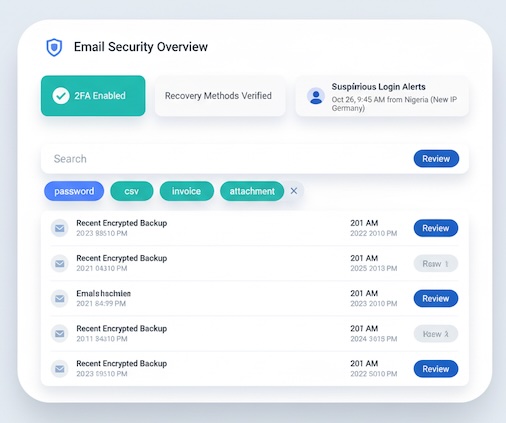
- Lock it down. Strong password + 2FA + recovery methods you control (not an old phone number).
- Search for sensitive threads. “Password,” “backup,” “csv,” “login”—delete or archive securely.
- Beware “urgent” messages. If something feels pushy, go straight to the service’s website and check there.
Data minimization for creators
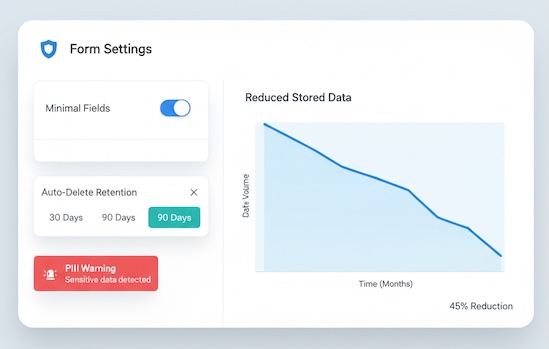
- Collect less by default. For newsletters, email is enough. Don’t ask for birthdays, addresses, or phone numbers unless truly necessary.
- Set retention habits. Periodically clean out old form submissions and DMs that contain personal info.
- Avoid sensitive notes in public docs. Keep invoices, IDs, and contracts in a private space.
Collaboration without leakage
- Use view-only previews for drafts when possible; upgrade access only if edits are required.
- Share assets in labeled, private folders (not “anyone with the link”).
- Run a quarterly “access clean.” Remove former collaborators from drives and your blog admin.
Travel & public networks (quick sanity checks)
- Public Wi-Fi is noisy. If you must use it, avoid logging into high-value accounts (email, bank, hosting).
- Auto-lock devices. Short lock timers reduce risk when your laptop is left for coffee refills.
- Beware shoulder surfing. Don’t expose dashboards with reader data in crowded spaces.
A tiny incident playbook (print it, keep it simple)
If you suspect a leak or account compromise:
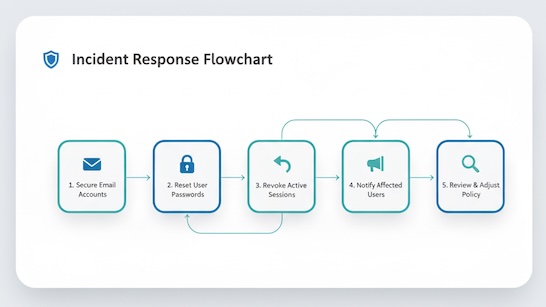
- Regain control of email first. Reset password, confirm 2FA, review recent logins.
- Change passwords on affected services. Prioritize blog admin, hosting, ad/affiliate accounts, and payment tools.
- Revoke suspicious sessions and tokens. Log out everywhere from account settings.
- Inform impacted people briefly and honestly (e.g., subscribers if a list may be exposed).
- Review what happened and adjust one habit (e.g., remove a risky plugin, change how you share files).
A 20-minute monthly safety check
- Remove unused plugins/apps and old collaborator access.
- Confirm 2FA is on for critical accounts.
- Clean up old exports/backups in shared folders.
- Scan your contact form inbox; delete unneeded personal data.
- Review last month’s “who has access” on your blog, email marketing tool, and drive.
Bottom line
Blog security is mostly about habits, not hardware. Use unique passwords with 2FA, limit access, keep your toolset lean, handle backups carefully, and collect only the data you truly need. These small, repeatable actions dramatically cut the odds of a data leak—so you can focus on writing, not worrying.